GmailTime needed: 1 minute
How do I block someone in Gmail?
Updated
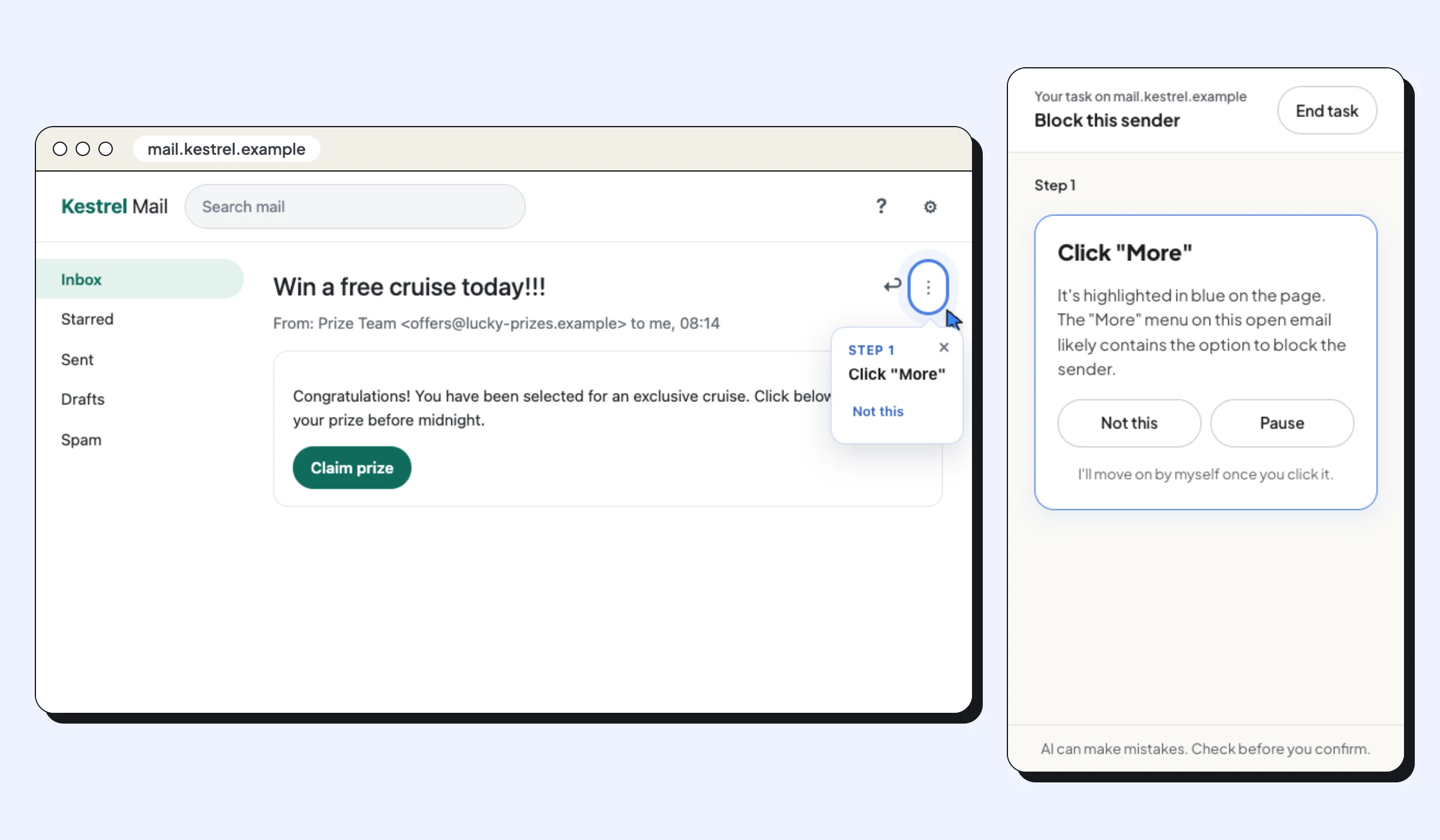
Open an email from the sender, click More (the three dots) next to Reply, and choose Block. Their future emails go straight to Spam.
Blocking stops emails from one address reaching your inbox: Gmail sends them to Spam instead. It takes three clicks from any email the person sent you. These steps are for Gmail in a browser on a computer.
What you need
- Gmail open in Chrome on a computer
- An email from the person or company you want to block
Steps
Open an email from the sender
Find any email from them in your inbox and open it.
Click More
At the top right of the email, next to Reply, click More (the three dots).
Choose Block
Click Block followed by the sender's name or address. From now on, their emails go to Spam instead of your inbox.
Official website: Gmail