WorkdayTime needed: 3 minutes
How do I request time off in Workday?
Updated
From the Workday home page open Absence, choose Request Absence or Request Time Off, pick your days on the calendar, choose the type and submit.
Requesting time off in Workday takes a few clicks once you know where Absence is. You pick your days on a calendar, choose the type and submit it to your manager. These steps are for Workday in a browser on a computer. Your company sets the time-off types and approvals, so your screens may differ.
What you need
- Your company's Workday, open in Chrome on a computer
- The days you want off, and the type (for example holiday or sick leave)
Steps
Open Absence
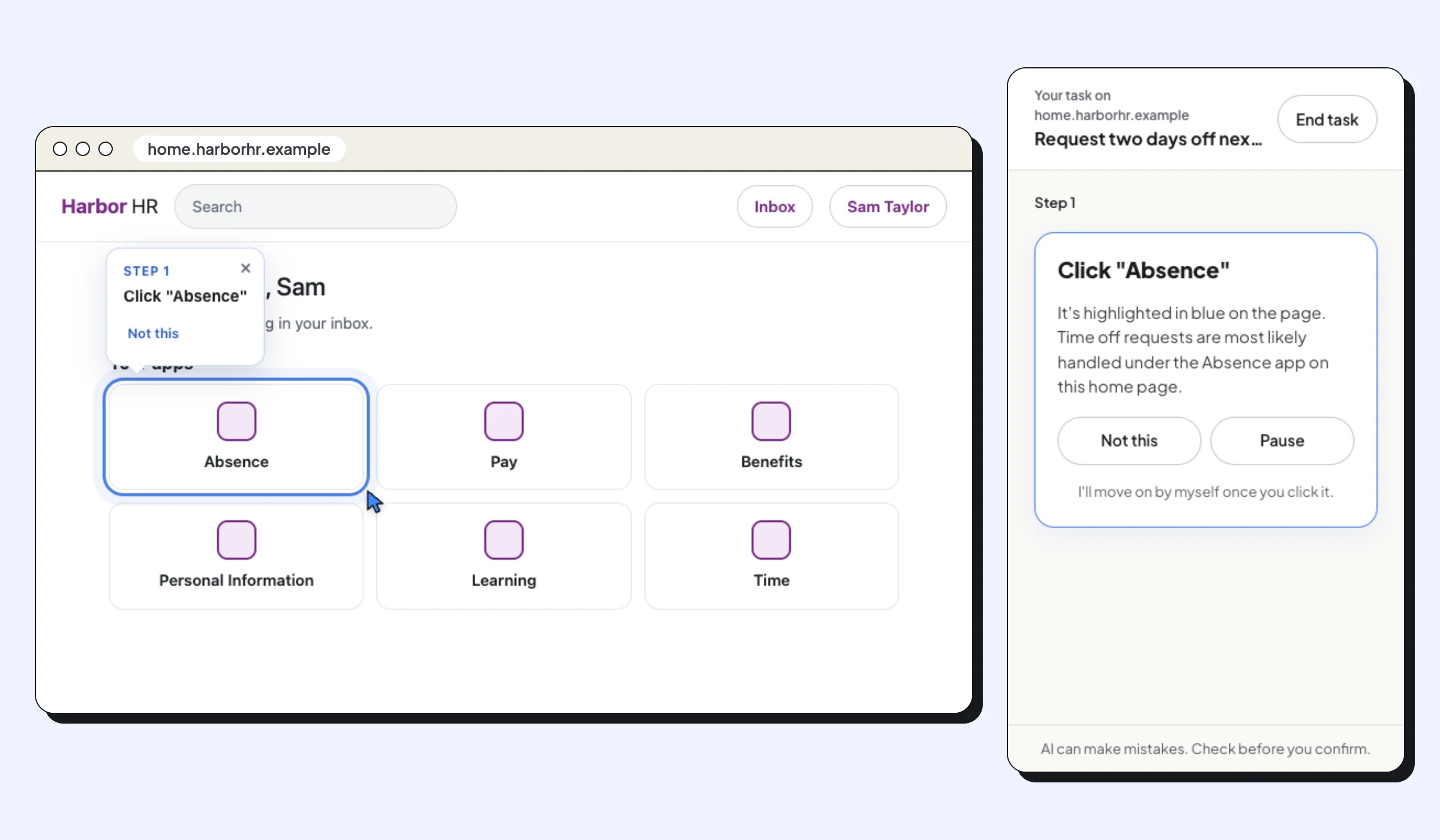
On your Workday home page, click the Absence app (in some companies it's in the menu at the top left, or called Time Off).
Start a request
Click Request Absence (some companies call it Request Time Off).
Pick your days
Select the days on the calendar, or choose Select Date Range and enter the first and last day.
Choose the type and check the hours
Click Request Time Off, choose the type, such as holiday, and check the quantity per day. The button shows how many days you're requesting.
Submit
Add a comment if you like and click Submit. The request goes to your manager; it shows as approved in Absence once they accept it.