NetflixTime needed: 2 minutes
How do I cancel Netflix?
Updated
On netflix.com: Account, Cancel membership, then Finish cancellation. If Apple, Google or another company bills you, cancel with them.
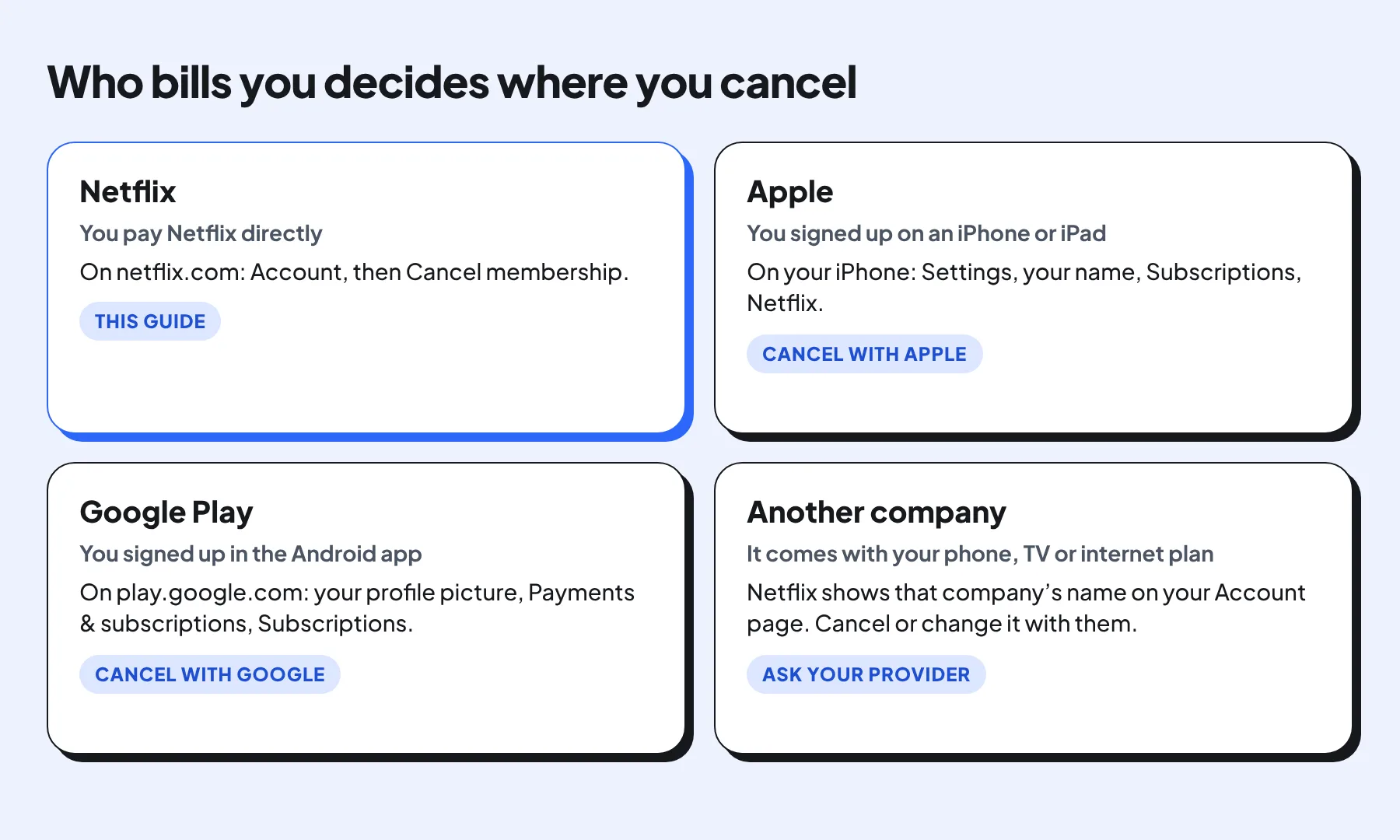
Cancelling Netflix takes about three clicks on a computer, but only if you pay Netflix directly. If your membership comes through Apple, Google Play or your phone, TV or internet company, you cancel it with them instead. Netflix changes its wording from time to time, so read each button before you click.
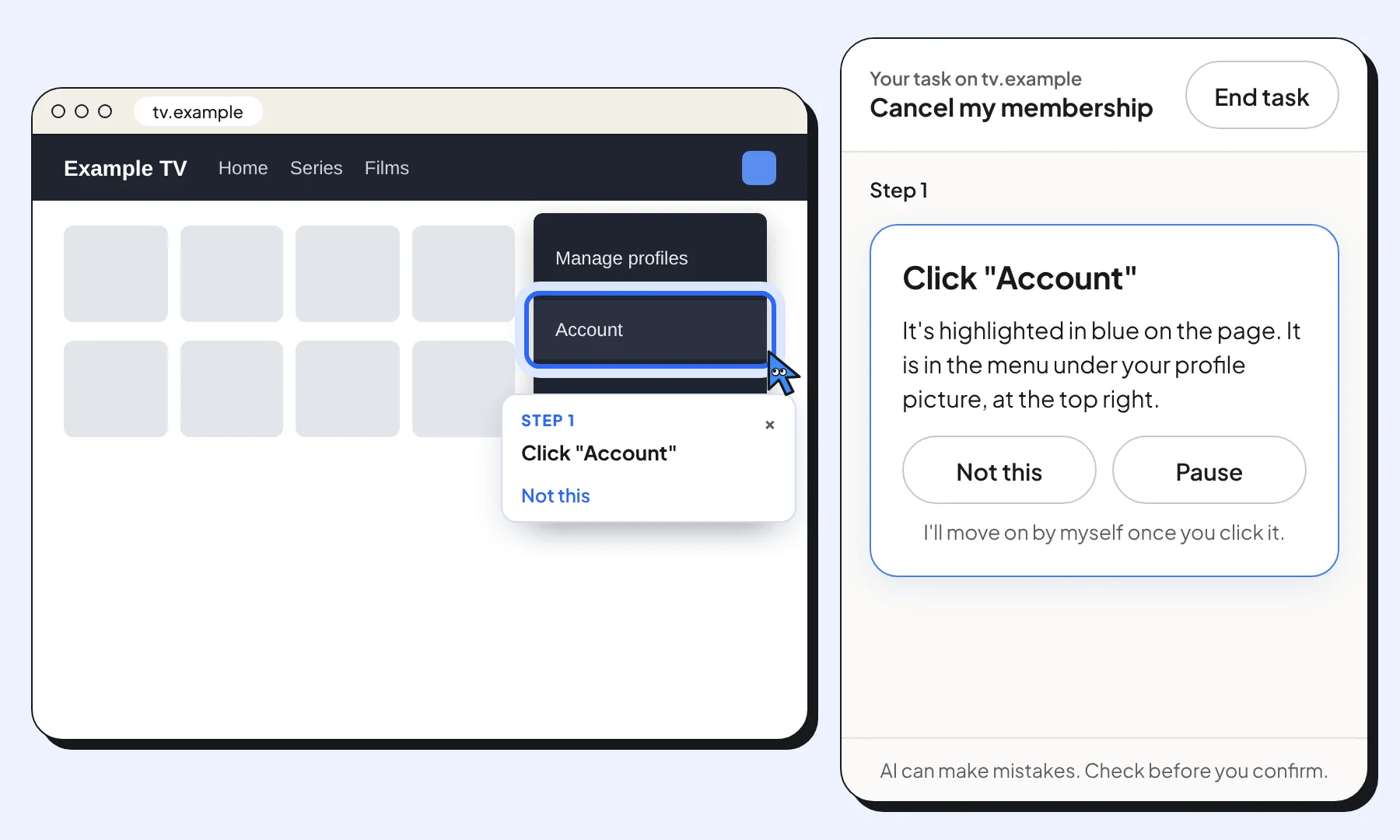
The step pictures show Clickable on an example streaming site with example dates, not on Netflix. The real pages look different. To get help on the real page, open netflix.com, type “cancel my Netflix” in Clickable, and Clicky highlights each button. You make every click.
What you need
- Your Netflix account, signed in, in Chrome on a computer
- To know who bills you: Netflix, Apple, Google Play or another company (the picture below explains)
Steps
Open Account
On netflix.com, point at your profile picture at the top right and choose Account.
Click Cancel membership
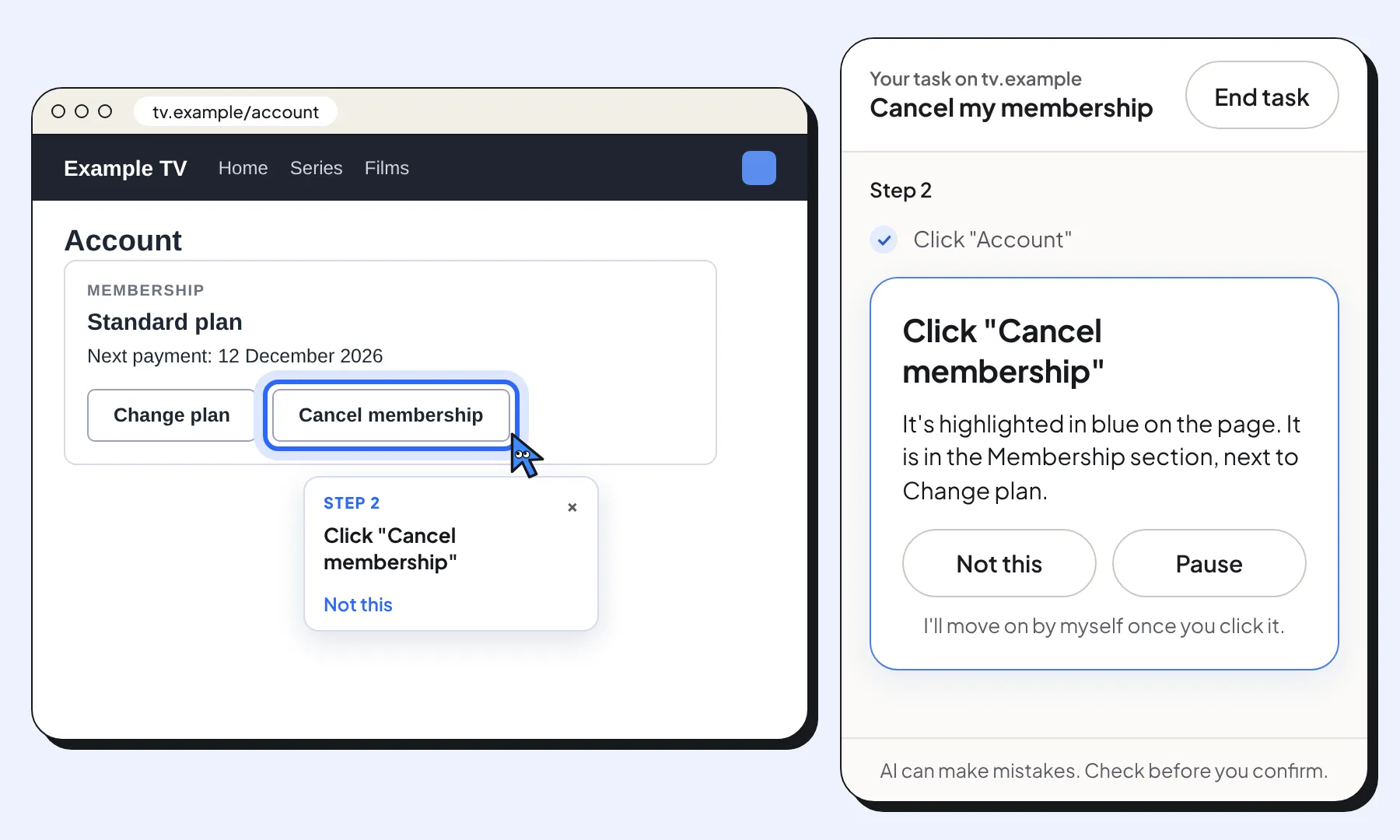
On the Account page, find the Membership section and click Cancel membership. On some accounts it sits under Membership & Billing.
Click Finish cancellation
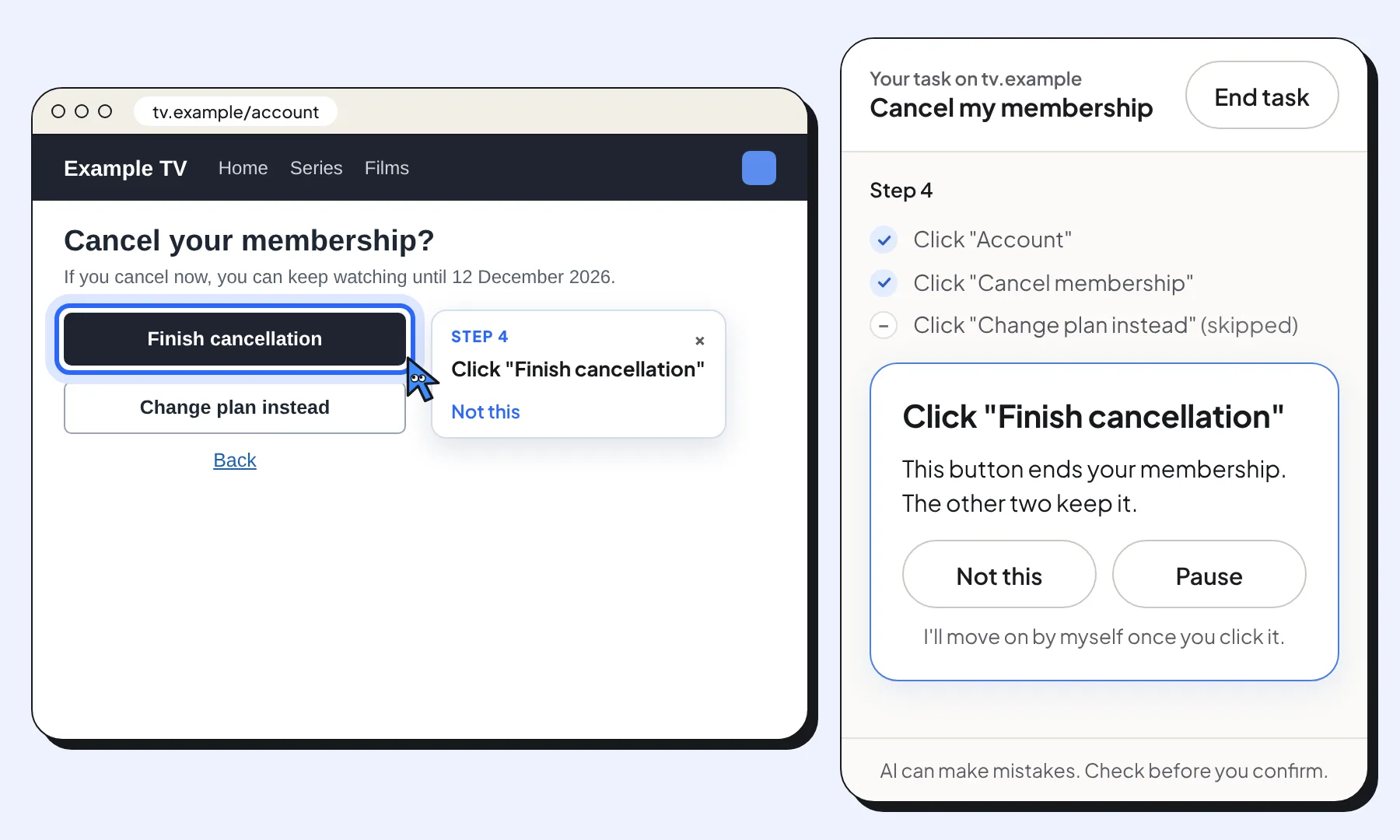
Netflix shows when your membership would end and may offer to change your plan instead. To cancel, click Finish cancellation. If Clicky ever points at the wrong button, press Not this and it looks again.
Check the confirmation
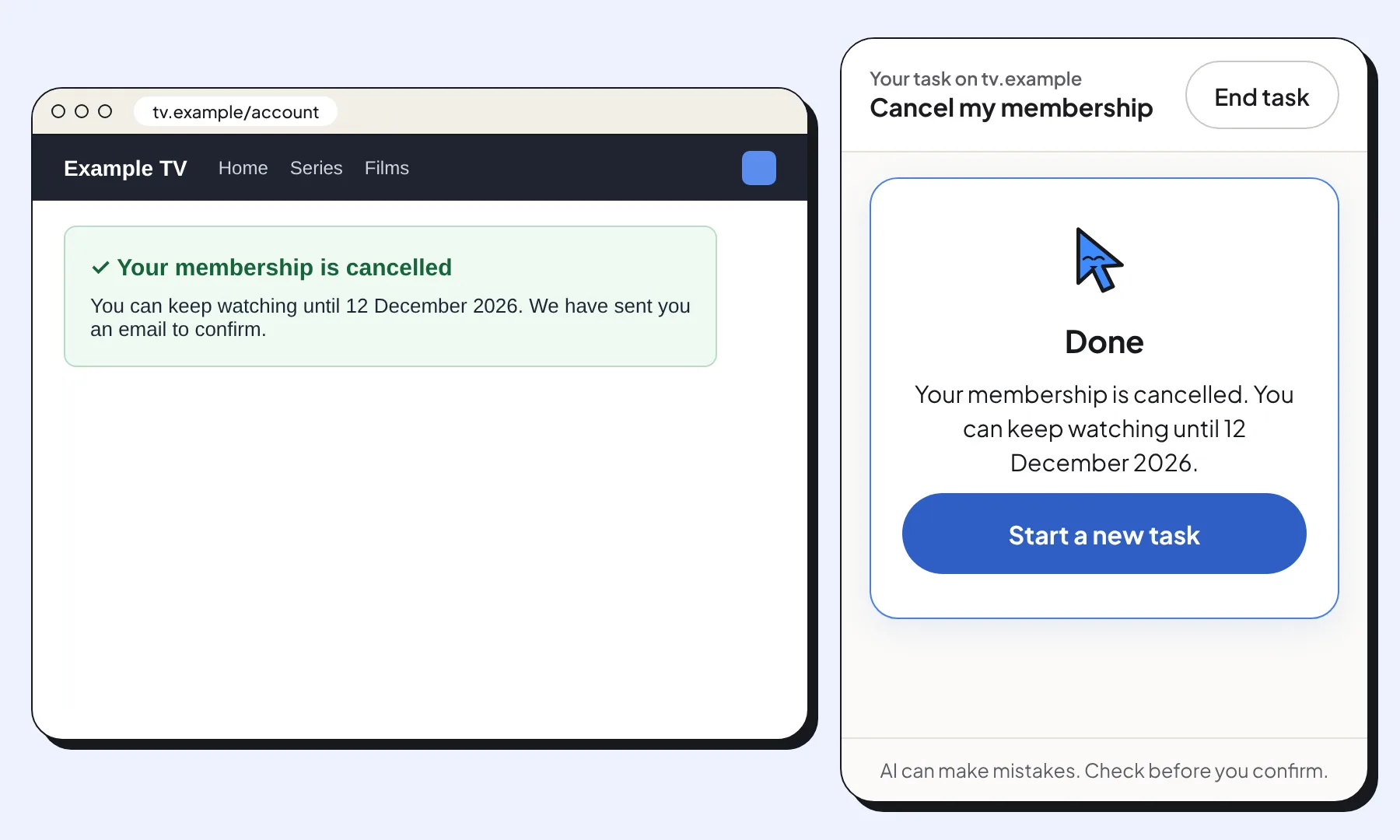
Netflix confirms the cancellation and shows the last day you can watch. You also get a confirmation email. You aren't charged again after that date.
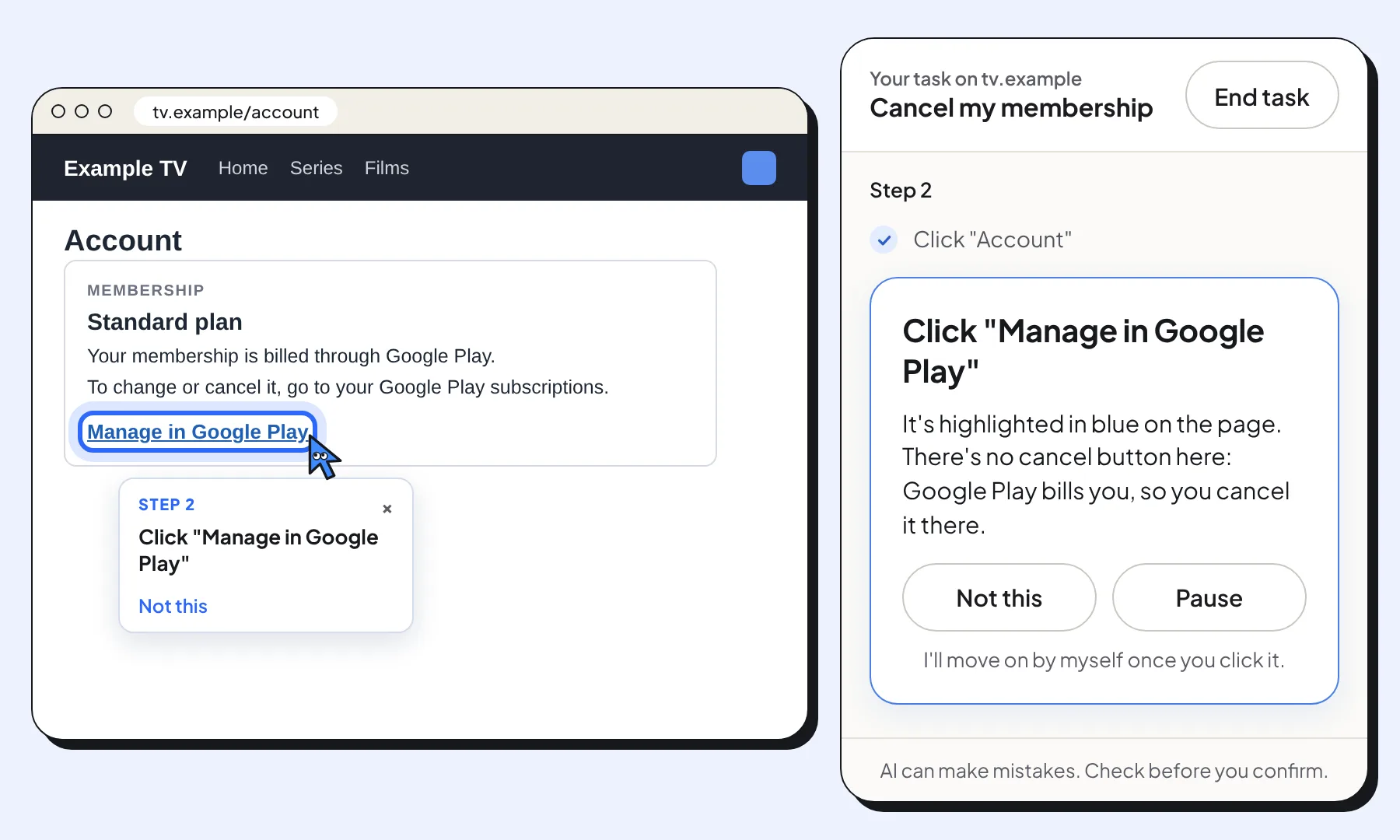
No cancel button? Cancel where you pay
If the Account page says you're billed by someone else, such as Google Play, Apple or your phone or TV company, there's no cancel button on Netflix. Follow the link or name it shows and cancel the subscription there.
Official website: Netflix